
 EN
EN
 FR
FR
Help
Account and sign-in
You can look around without an account. Buying, and seeing your tickets again, asks you to sign in.
-
1. Create an account
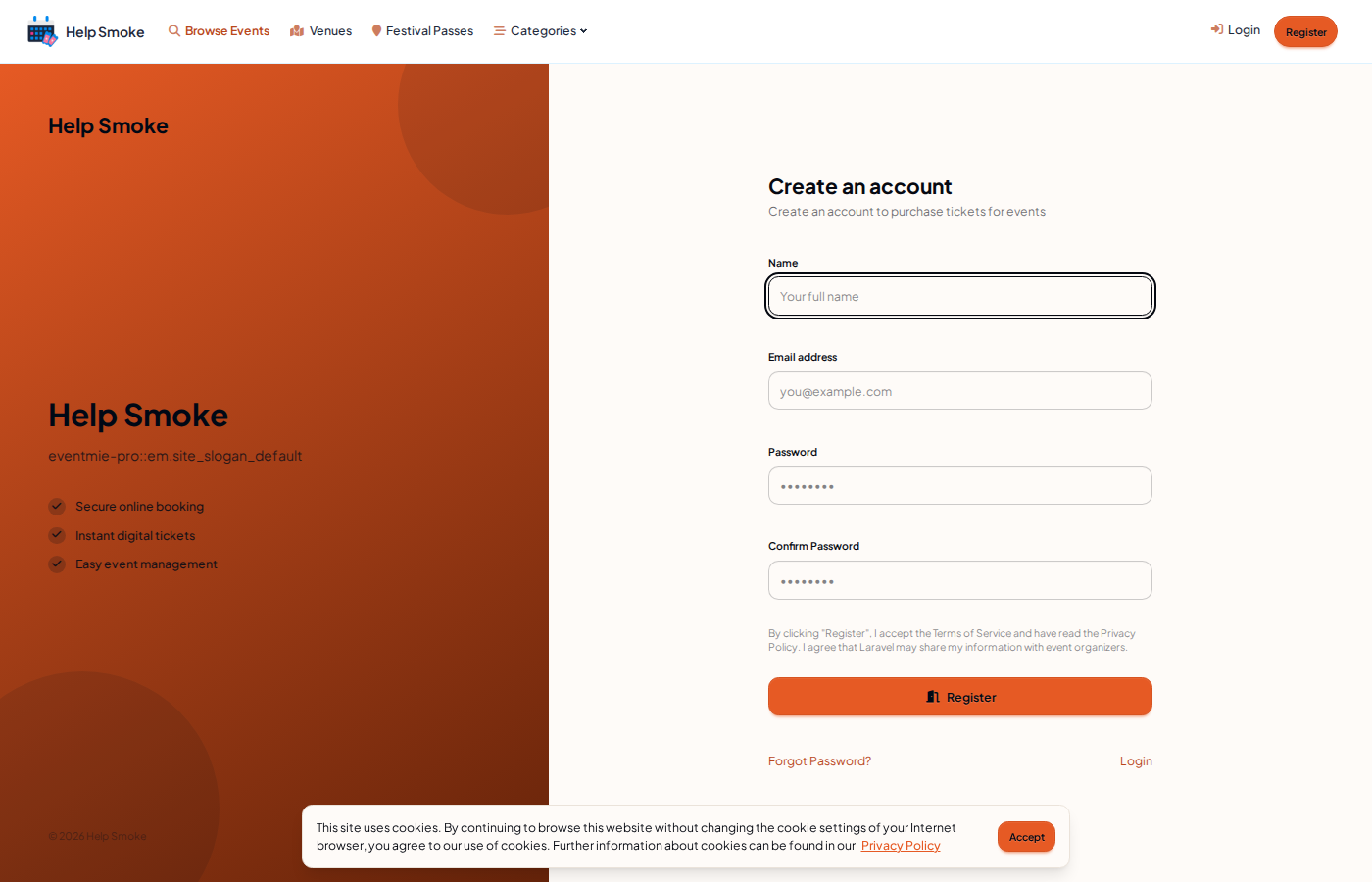
Open Register. The form asks for your name, email address, password, and confirm password. Register creates the account. The page says that registering accepts the terms and privacy policy.
-
2. Sign in
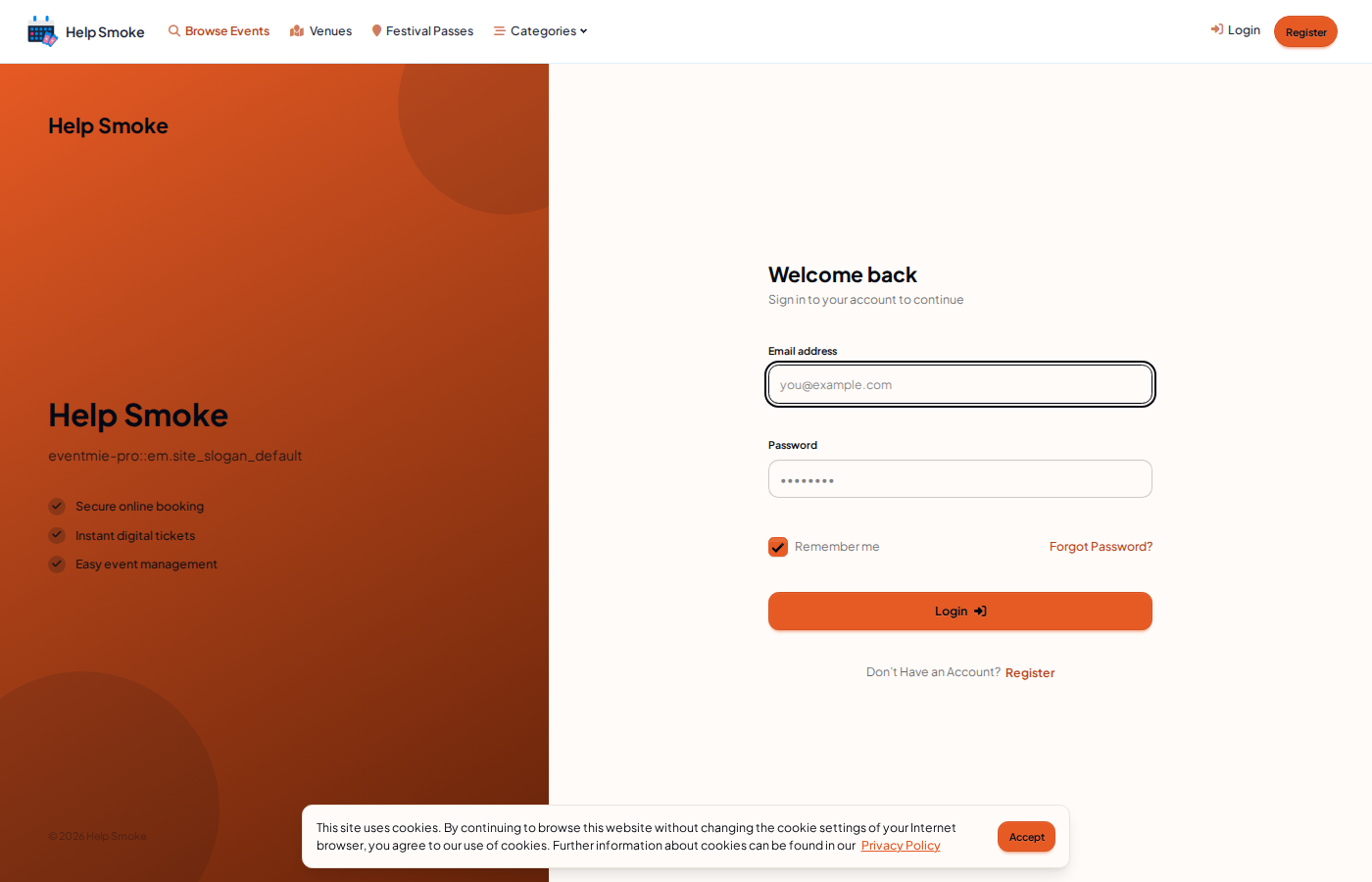
Open Login. Enter the email address and password, then Login. Remember me keeps the session on this browser. Forgot Password is on the same page. If you were buying, sign-in brings you back to finish.
-
3. Come back to your tickets
After you are signed in, My Bookings lists the tickets on the account. Use the same email you booked with.